Take payment from your customers in one go, with nothing in the way.
Scan, take payment, print or send the receipt: it all runs on a single tablet. Your money goes straight into your own account, with no Sliderz commission*, and you keep taking payment even offline.
*Excluding your bank's standard card processing fees, which are independent from Sliderz.
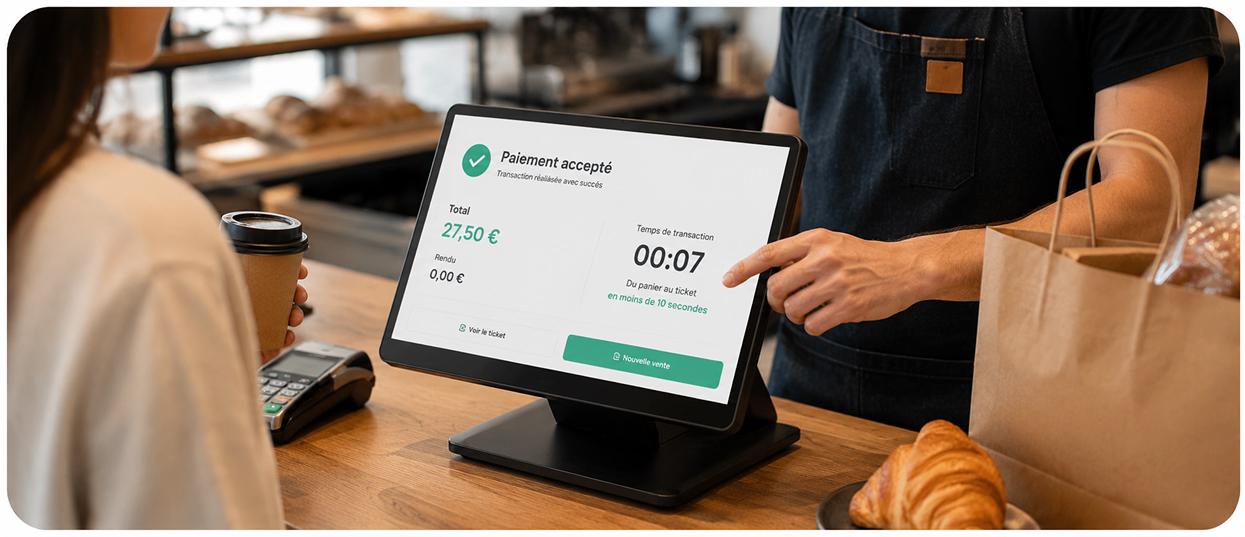
Checkout, the weak link that slows your whole shop down.
A till that is too slow or too complicated means a growing queue, customers left waiting and a counter cluttered with hardware. And on top of all that, a slice of every card sale goes to your payment terminal.
On every card sale, your payment terminal takes its commission.
At peak times, the queue builds at the till and your customers wait.
Till, printer, scanner, payment terminal: your counter is buried under hardware and cables.
With Sliderz, taking payment from your customers has never been this fast.
For every bottleneck at your counter, an answer already built into Sliderz: a payment terminal inside the tablet with no Sliderz commission (an option at €19/month), a till you can carry round the shop, and a single all-in-one device.
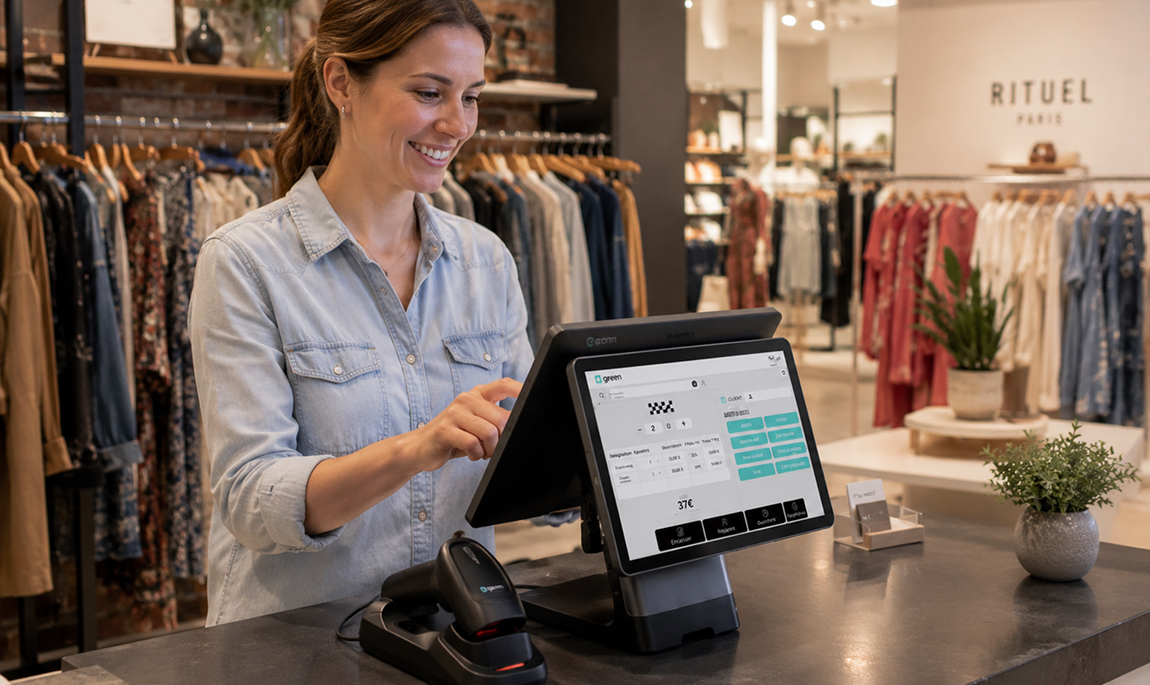
Take card payments without paying a Sliderz commission.
The payment terminal is built into the tablet for a flat €19/month, and Sliderz takes no percentage of your sales. Your money goes straight into your own bank account. Only your bank's usual charges apply.
Take payment anywhere, not just at the counter.
The tablet goes with you: take payment in the aisle, in the fitting room or at the door, and send the receipt by email without ever walking back to the till.
Replace four devices with a single tablet.
One all-in-one tablet brings together the till, the receipt printer, the QR code scanner and the payment terminal. No more stacked-up hardware, no more cables to unplug.
The task you repeat all day, the one that should be simplest.
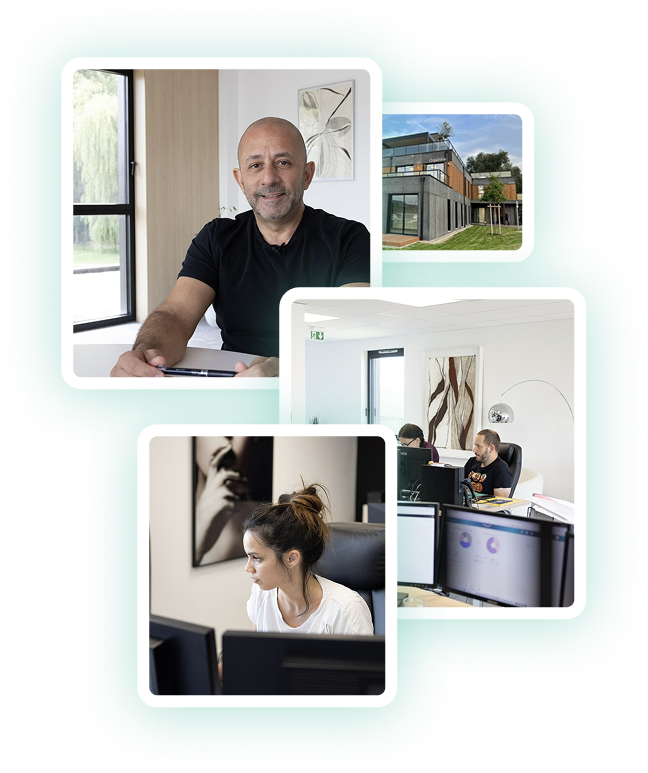
We come from retail. Before Sliderz, the Orgazone ecosystem equipped thousands of shops, and we saw the same counter everywhere: a till that was too slow, a stack of hardware, and a commission going to the bank on every card payment.
That is why we brought everything together on a single tablet. The payment terminal is built in, at a flat €19 per month, and Sliderz takes no percentage of your sales: your money goes straight into your own bank account (only your bank's usual charges apply). And every sale feeds your till journal automatically, ready to send to your accountant.
For us, a good till is a till you forget about: it follows your sales associate instead of chaining them to the counter, it keeps running even when the connection drops, and it takes no Sliderz commission on what you sell.
The Sliderz team
Explore the other Sliderz use cases
Answers, before you even ask the question.
Book a demoWhich payment methods does Sliderz accept?
What makes checkout with Sliderz so fast?
What happens if the internet goes down?
Can I print the receipt or send it by email?
How many tablets can I connect at the same time?
What hardware do I need to get started?
Book 20 minutes with a Sliderz advisor.
We look at your shop, show you Sliderz in real conditions, and you leave with a clear quote. No sales pitch.
Our booking form is currently in French. Prefer English? Email us at contact@sliderz.fr
No Sliderz commission on your sales
A real person to guide you